


Moho SHOWTIME Brings Character Rigs into Live Performance

A character rig usually reaches its audience through a finished scene. Moho 14.5 SHOWTIME gives animators another way to put that character in front of people: performing live. Webcam face tracking and gamepad input can drive a rig in real time, opening up uses such as VTubing, interactive presentations and character appearances during a stream.
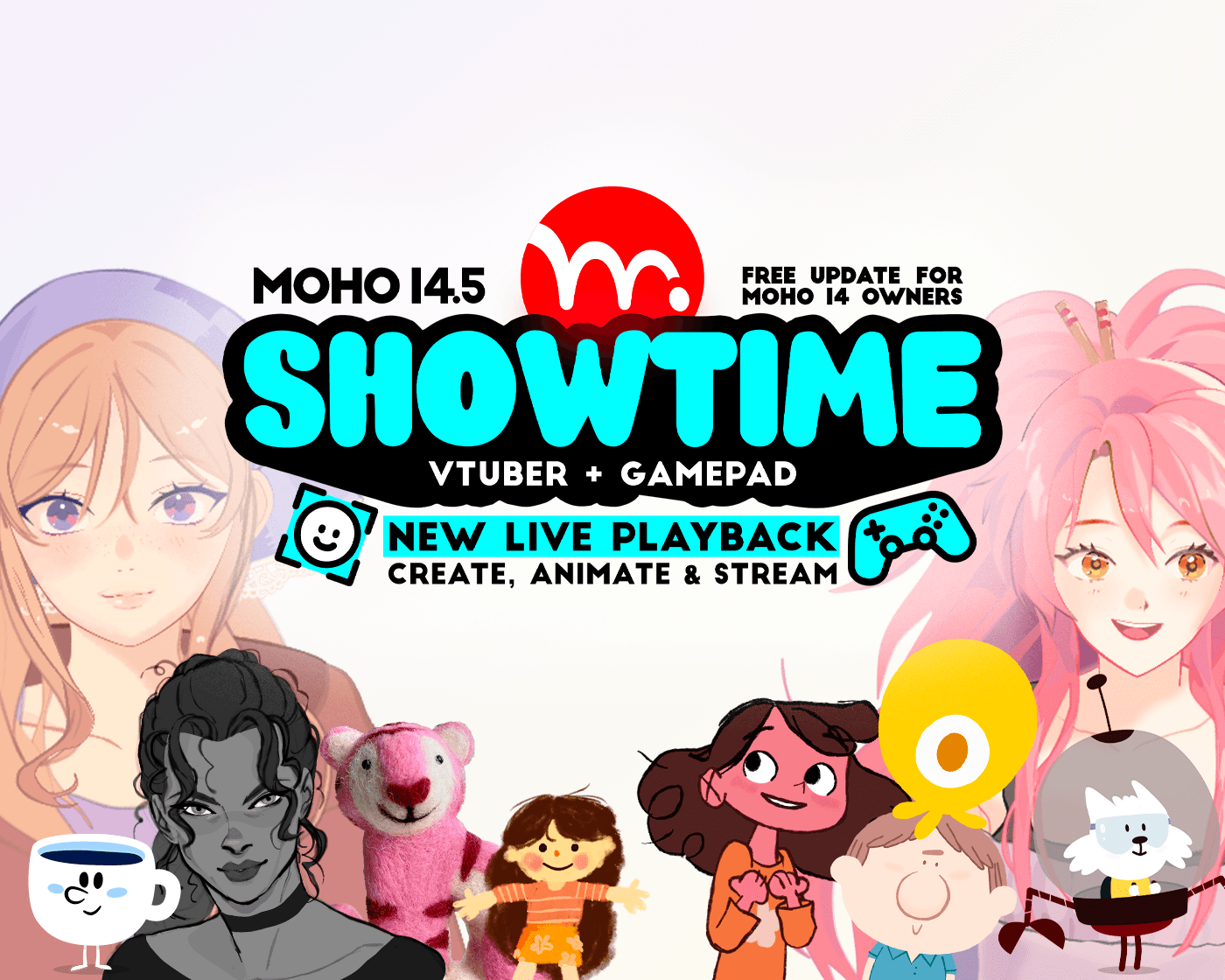
Among its many new features, Moho 14.5 includes big improvements to the drawing tools and a fully new live playback mode to control stream and animate characters in real time. Credit: Moho Animation Software
Released by Lost Marble on October 13, 2026, SHOWTIME is a free update for Moho 14 owners. Its live tools sit alongside improvements to drawing, animation and export, so the update also has something to offer artists whose work remains focused on films and series.
Adapting a familiar rig
The starting point for live performance is the character an artist has already built. Moho’s Live Mode uses the same rigging system as its conventional animation workflow, allowing existing characters to be adapted for live use. The artist still needs to configure the controls, but can work with a familiar design and rig.
Camera and gamepad inputs can be assigned to Smart Bones and Actions. This connects a performer’s movements to behaviour the animator has designed, rather than leaving the character’s performance entirely to tracking. A facial movement can control an expression, while a controller button can trigger a prepared Action.
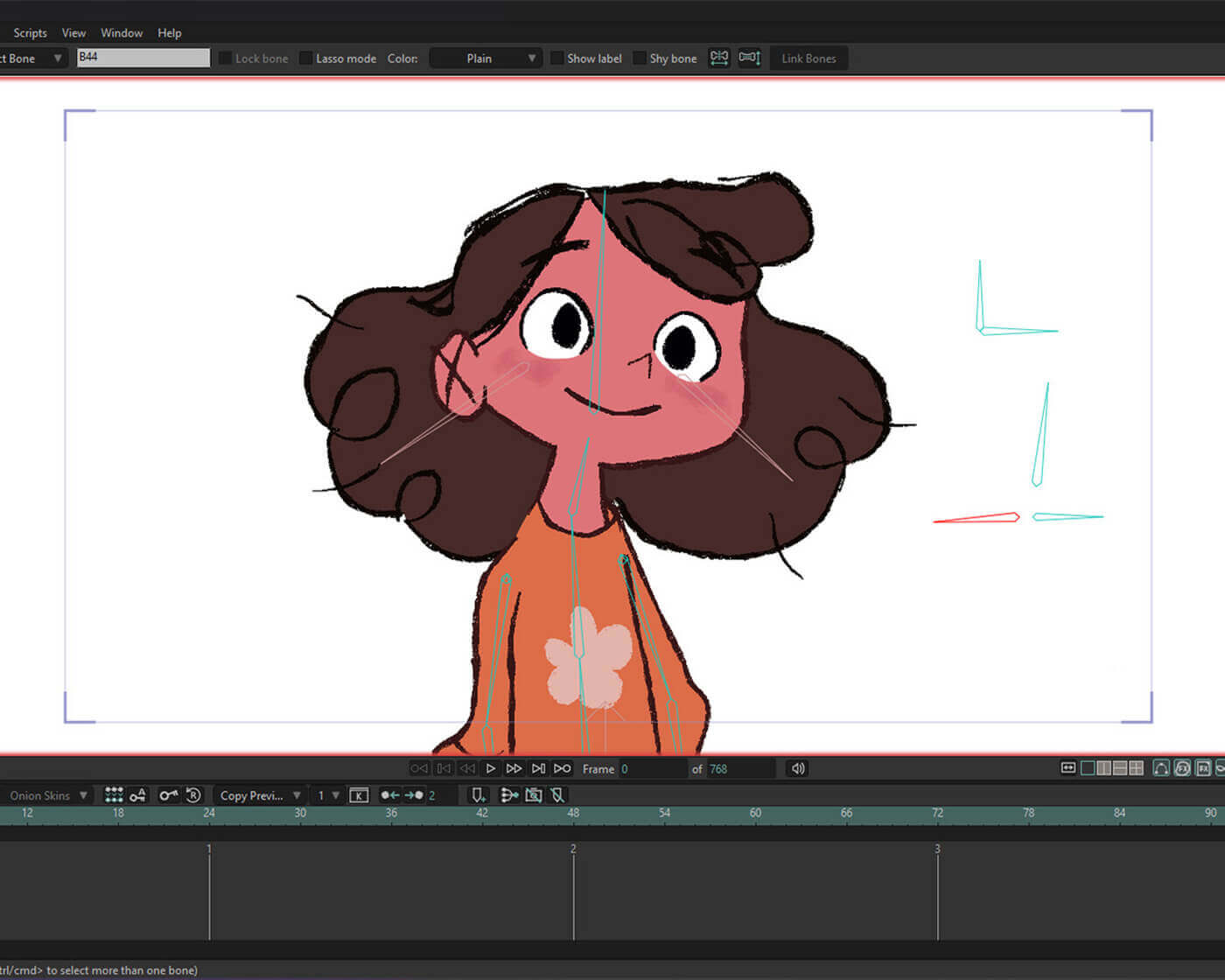
The new input options allow users to control characters by using the gamepad thumbstick and buttons or acting with their own face. Credit: Maca Gil (www.macagil.com)
That connection is central to the update’s approach. As Lost Marble co-founder Víctor Paredes puts it: “If you know how to create a Smart Bone, then you know how to create a live scene or VTuber model.”
The live character can also use Moho’s physics, particles, blending modes and layer effects. These give artists ways to carry the visual character of a project into a live setting, including the textures and secondary motion that help make a rig feel specific to its creator.
Drawing, rigging and configuring the performance can happen within Moho. The output can then be used with the Moho Virtual Webcam or streaming software such as OBS. For an animator exploring VTubing, this provides a route from character design to live presentation within an established animation workflow.
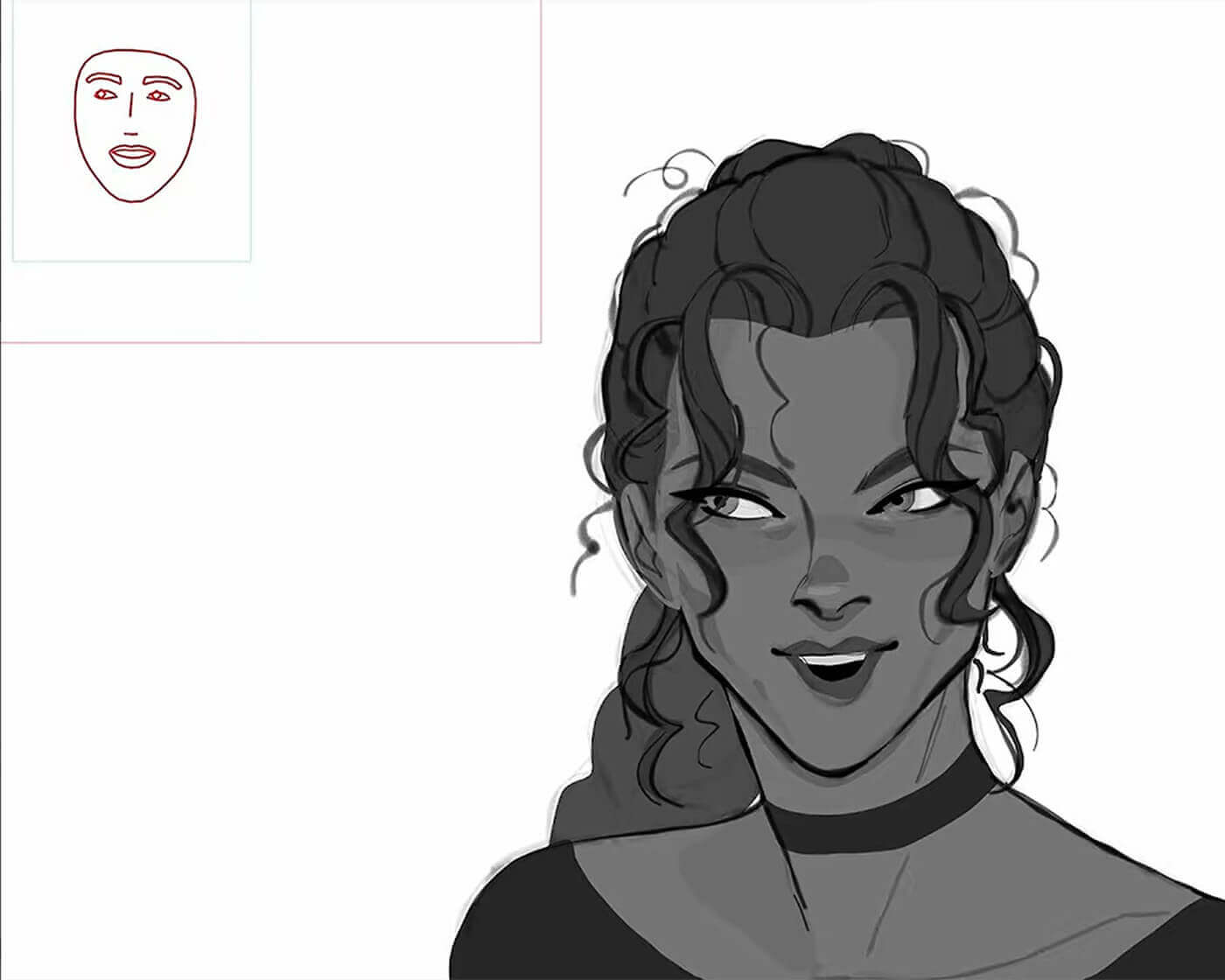
Live models can use every feature available on the canvas: particles, physics, blending modes, vector interpolation, boiling brushes, layer effects and so much more. Credit: Jaki (www.designbyjaki.com)
Drawing and animation between performances
Live Mode is the most visible addition, but much of SHOWTIME concerns the everyday work of making animation. The drawing tools have been refined, including changes to Freehand pen tracking, curve smoothing and point reduction. These address how a drawn line becomes editable vector artwork.
The rebuilt Paint Bucket separates filling into Vector, Trace and Recolor modes. Vector works from existing points, Trace creates vector shapes from visible artwork, and Recolor changes an existing shape’s colour. Giving these tasks distinct modes makes it easier to choose the operation a drawing needs.
Magnetic Onion Skins and Shift & Trace provide more control when comparing poses. Magnetic Onion Skins follow neighbouring keyframes, while Shift & Trace lets artists reposition onion-skin references independently of the workspace. These additions support the close inspection of drawings and movement that continues throughout a shot.
Other changes include new options for Liquid Shapes, categories for custom brushes and improved video tracking. Taken together, the drawing and animation updates give existing users reasons to explore SHOWTIME even if they have no immediate plans to perform or stream a character.
Taking the work into production
The production changes extend to delivery. SHOWTIME adds EXR support and colour-profile options for image-sequence export, alongside improvements to the Batch Exporter. For artists moving animation into compositing or preparing several outputs, those are practical parts of the update to examine alongside the creative tools.
Moho continues to use a perpetual licence model and contains no generative AI. Its approach keeps the design and construction of a character with the artist, with live inputs providing another way to perform the rig.
For those interested specifically in live models, the edition distinction matters: Moho Pro 14.5 supports creating and streaming them, while Moho Debut 14.5 can open and stream models created in Pro. Existing Moho 14 owners can download SHOWTIME at no additional cost.
The update offers a useful starting point for experimentation: take a familiar character, decide which expressions or movements would work in a live performance, and adapt the rig around those choices. The result can give an existing design a new setting while retaining the controls and visual decisions its animator has built.